
How to Keep Your Pond From Turning Green
January 14, 2018
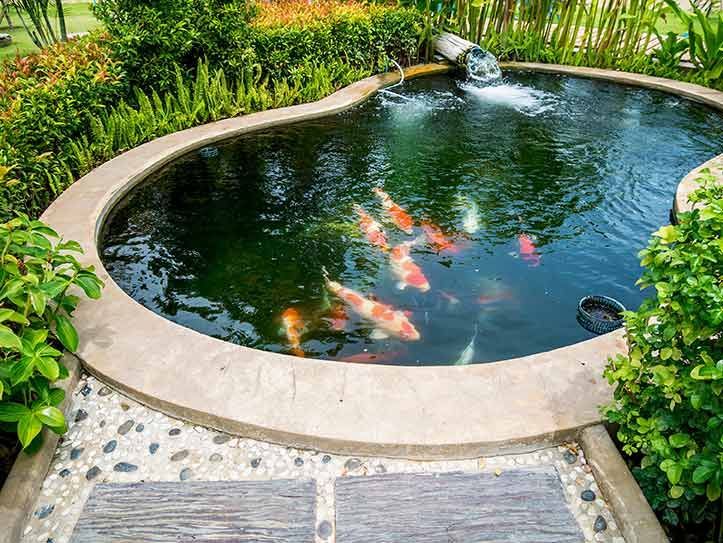
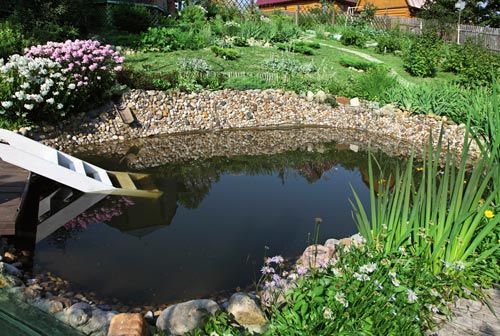
You've probably seen a pond in which the water is more green than blue. Green pond water is a common problem, and it can be a tough one to solve.
If you have a new pond or one that is still looking quite blue, then you'll want to take steps to keep it from turning green. Here are four things you can do to prevent green pond water.
Remove Debris From the Bottom of the Pond
Fallen leaves, grass clippings, and other debris often collect at the bottom of a pond. Algae feed on this debris, which is what turns the water green. Therefore, eliminating the debris is an important first step toward keeping your pond water clear and fresh.
If you have a small pond, you can generally do this with a pool skimmer. Use a skimmer with fine mesh, and skim it multiple times so you don't miss debris that gets scattered the first time you skim. If you have a larger pond, you may wish to use a pond vacuum to remove debris - rather than attempting to skim by hand.
Pond vacuums are pretty easy to use. Plug in your vacuum and turn it on. Then, while standing near the edge of the pond, insert the nozzle into the pond, and start dragging it across the bottom of the pond in big sweeping motions. Vacuum or skim your pond twice a year - once in the spring and once in the fall.
Keep Your Pond Aerated
Pond water is generally stagnant. In other words, it does not move or flow a lot. As a result, the bottom of the pond ends up deprived of oxygen. This causes unhealthy bacteria and algae to build up in the oxygendeprived waters, which will eventually give your pond a green look. Aeration is a process by which your pond water is stirred to bring oxygen down to the lower areas.
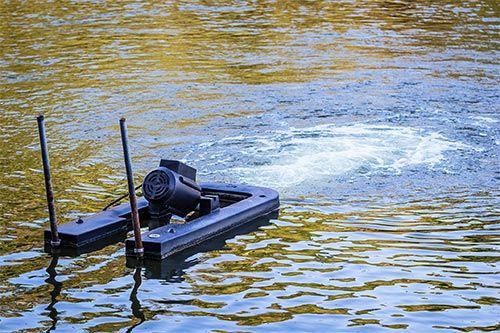
An easy way to aerate your pond is to have a fountain or other moving water feature installed. Such a feature will continually keep the water mixed so you do not get an oxygen-deprived green zone in the bottom. You can also have an aeration machine installed. Such a machine will circulate pond water without causing any noticeable above-surface water movement.
Keep Phosphate Levels in Check
Phosphates are a component in fertilizer. They promote plant growth, which includes the growth of green algae. If phosphate levels in your pond grow too high, then your pond will turn green. There are a few ways to keep your pond's phosphate levels in check:
- Avoid applying fertilizer to plants and lawns directly around the pond.
- Ensure water from a fertilized lawn or garden bed is not running off into your pond. Have your landscape's slope adjusted if needed.
If you live in an agricultural area, the phosphate levels in the soil may be high due to heavy fertilizer use by farmers. Have your pond's phosphate levels tested. If the levels are elevated, there are phosphate-binding solutions you can add to your pond to remove phosphate and prevent the algae growth that may eventually cause your pond to turn green.
Don't Overload Your Pond With Fish
Some fish eat algae, so pond owners often figure that adding fish to the pond will keep it from turning green. This is only true to a certain extent. If you add too many fish to the pond, some won't survive, and then their bodies will become organic matter that ultimately feeds the bacteria and algae that cause ponds to turn green.
A good guideline is to allow one fish per every 4 feet of pond surface area. For example, if you have a 400 square-foot pond, then stock it with about 100 fish.
If you follow the tips above, you can prevent your pond from taking on an unappealing green color. If you'd like to have a pond aeration device installed, then contact the experts at Henry Drilling, LLC
.
Many homes require water filtration, but you may have trouble deciding between the different filters. Read on to make your decision easier.
Storing water beneath your property for when you need it most can be crucial. Here are four reasons to tap into your underground water storage tanks.
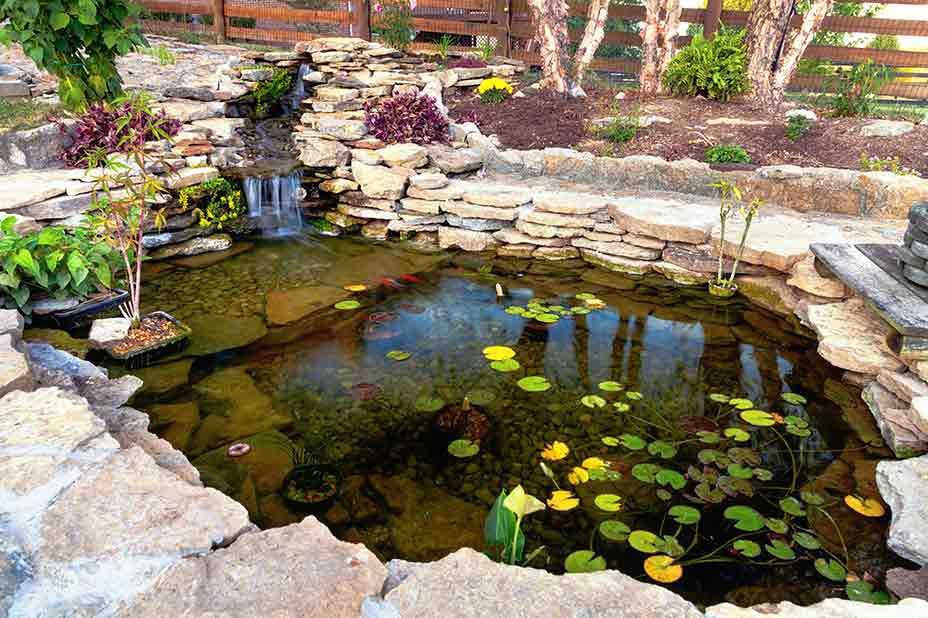
If you have an old and unkempt pond on your property, you can take steps to restore it back to life. Follow the steps on this blog.
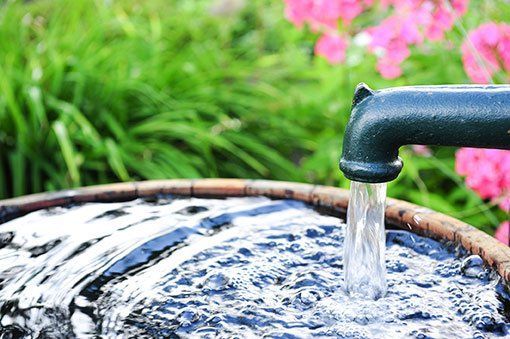
Whether you've recently bought a home that's on well water or you had a well drilled on your property, learn three pump problems you should know.
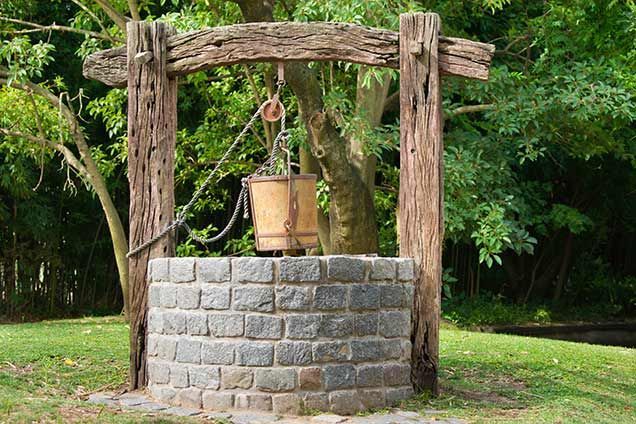
If you're considering buying a home with a well and have no experience with well water, you have a few things to learn. Read this post for some advice.

Concern over water usage can affect your landscaping abilities. A groundwater well or underground storage tank may be the solution. Learn why.
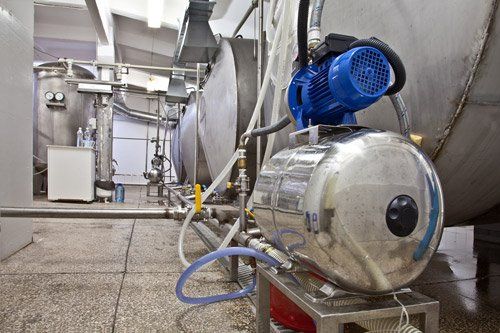
If you turn on the tap and no water comes out, your pump may have lost its prime. Click hereto learn how to prime your pump.
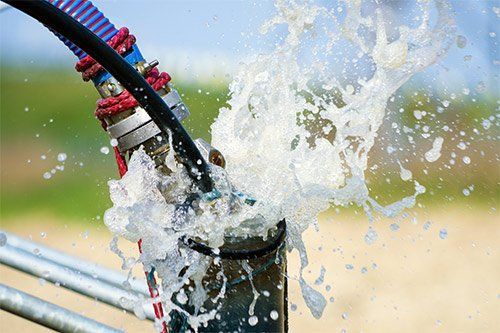
Do you need a more optimal water source for your livestock? Learn some important reasons to consider drilling a water well to fulfill your needs.
If you own a small homestead that you intend to keep off the grid, you’ll want to consider adding a pond to your property. Keep reading to learn why.
Pond aeration creates circulation in order to balance the ecosystem of the pond. Learn about the many proven benefits of pond aeration.